
Restaurant POS & Management
One POS for Dine-In, Takeaway, Delivery and Corporate Orders
A restaurant is a counter, a kitchen, a store room and a payroll running at the same time. Puvnaa covers the cashier screen where orders are taken and the back office behind it: purchasing and wastage, staff and salaries, mess and catering, settlements and the reports management reads afterwards.
Running a restaurant? → Get Free Estimation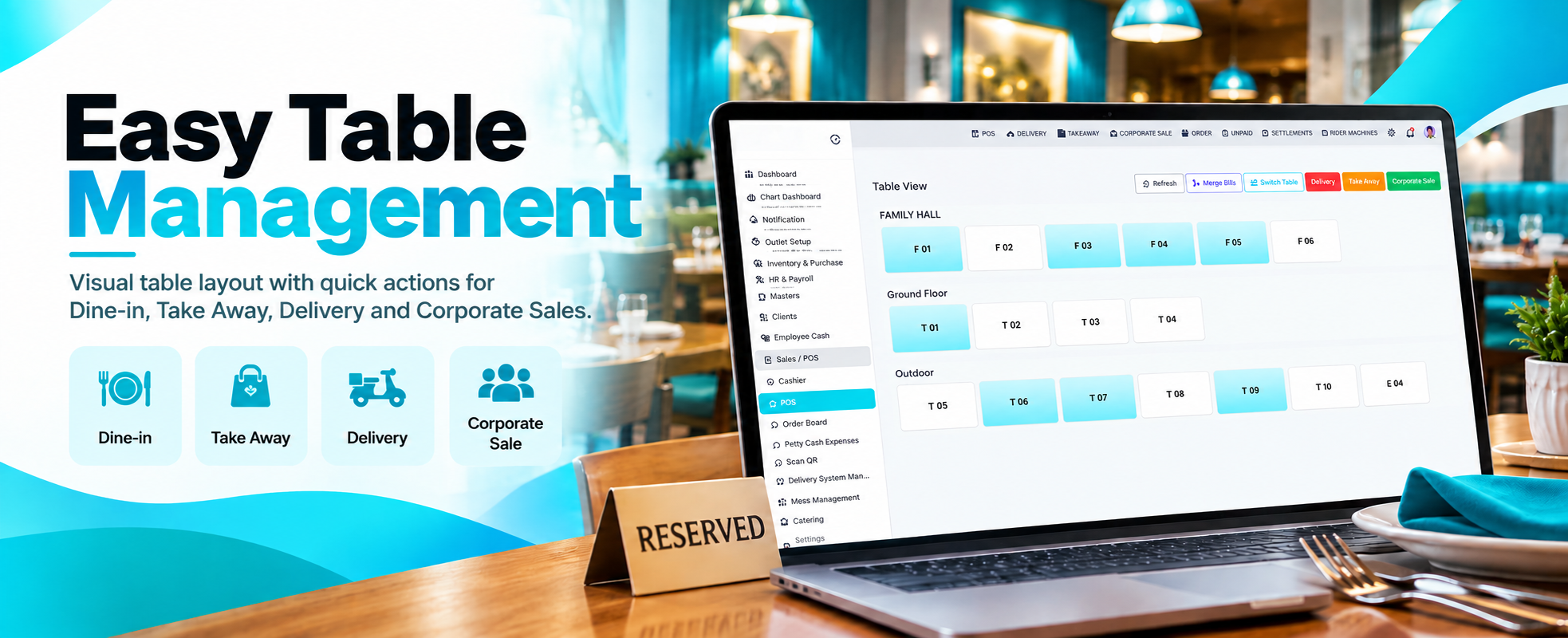
From Table to Settled Bill
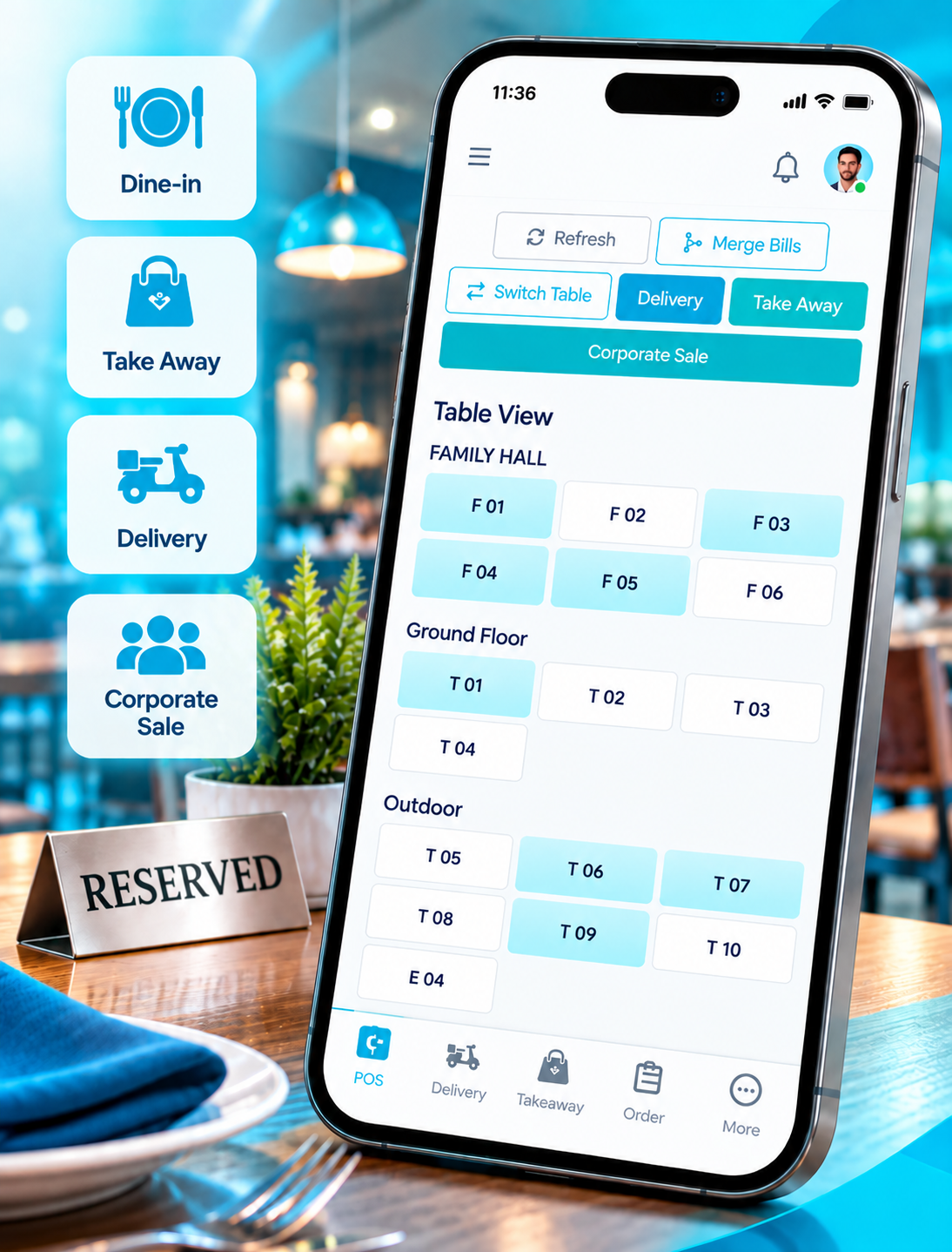
An order starts at a table, a counter or a delivery call, moves through the kitchen, and ends as a settled bill at cashier closing. These four cover the front of that run, where the order is actually taken.
Discuss Your Restaurant Software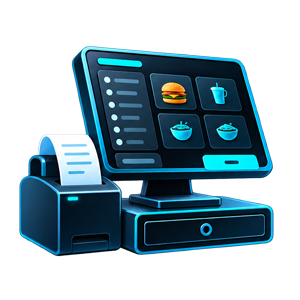
POS & Cashier
The cashier opens a table and builds the order from there. Merge Bills brings two tabs onto one bill when a group joins up, Switch Table moves an open order to a different table, and Refresh pulls the current floor state. Unpaid keeps the orders still owing in view.
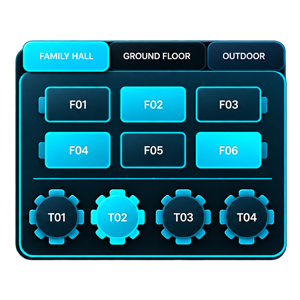
Table & Floor Management
Tables and Table Areas set up the floor plan: Family Hall, Ground Floor and Outdoor each hold their own tables, from F01 to F06 and T01 to T10. The POS shows which of them are occupied and which are free without anyone walking the floor to check.
Menu & Product Setup
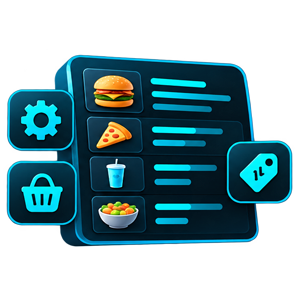
Items sit under Item Categories, with Item Variations for size or portion and Item Addons for extras ordered alongside. Special Price handles rates that differ from the standard card, so the menu is configured once and the POS reads it.
Delivery, Takeaway & Corporate
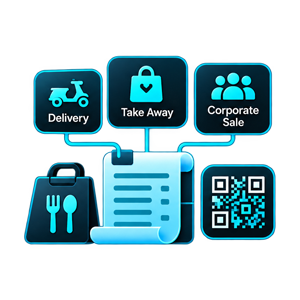
The same screen takes orders that never touch a table. Delivery, Take Away and Corporate Sale each open as their own order type, riders are handled through Rider Machines and Delivery Swipe Machines, and Scan QR is available at the counter.
5
order types taken from one screen: dine-in, takeaway, delivery and corporate sale
2
report groups: financial, cash and expense, stock and purchase, sales, catering and ledger
1
system covering the counter, the store room, payroll, mess and catering





Available for projects
What management reads afterwards
Taking orders is one thing; knowing what the day earned, what the store room holds and who still owes money is another. These six cover the closing and reporting layer.
Book consultation
Cashier closing, not just billing
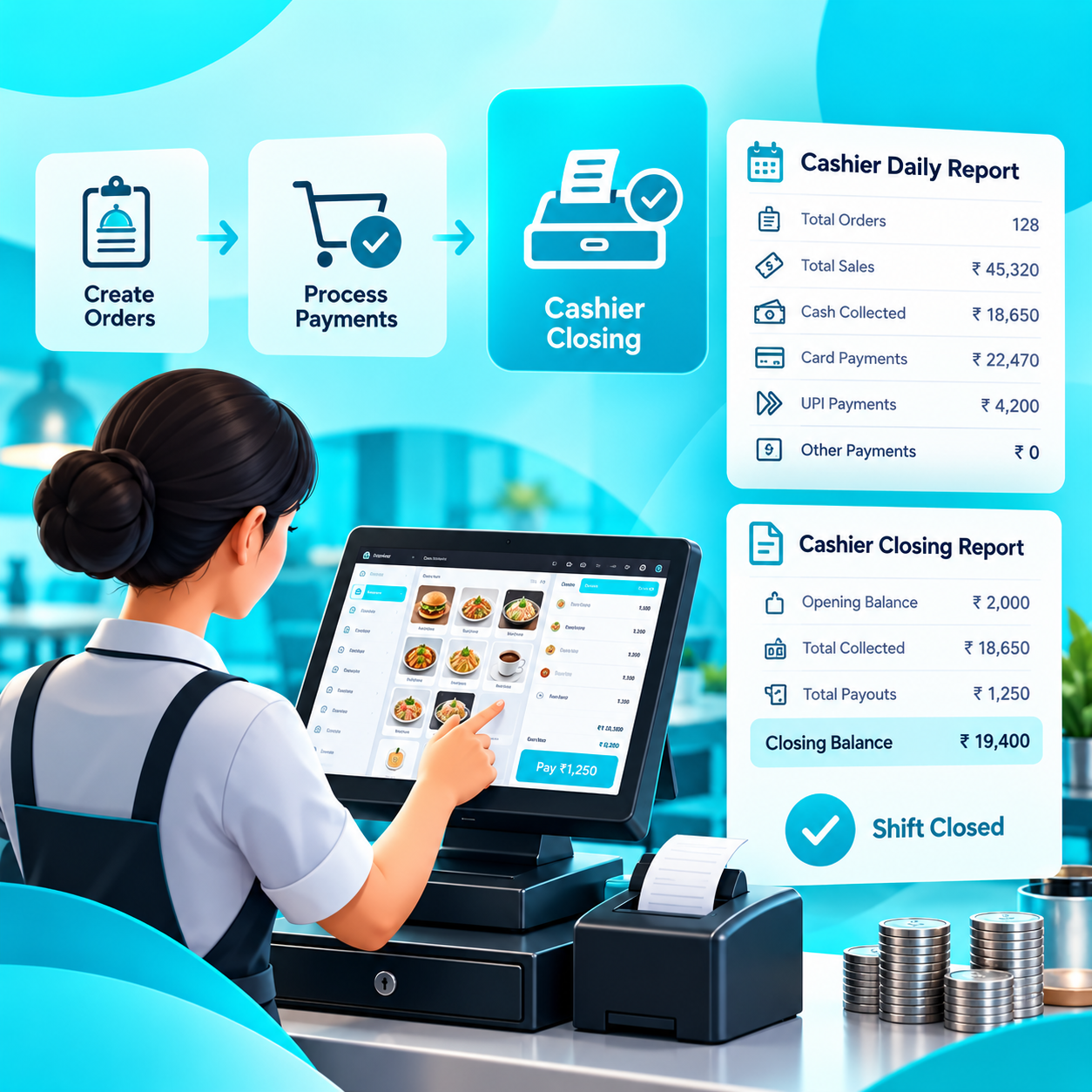
Creating an order and settling a shift are separate acts. Settlements closes off what was collected, and the Cashier Daily Report and Cashier Closing Report are what a shift is signed off against rather than a till count taken on trust.

Sales read several ways
Hourly Sales shows when the rush actually lands, Daywise Sales and the Monthly Daily Statement give the longer shape, and Item Wise Sales says what is selling. Order Level, Order Typewise, Order Statuswise and Round Off cover the detail underneath.

Stock that reconciles
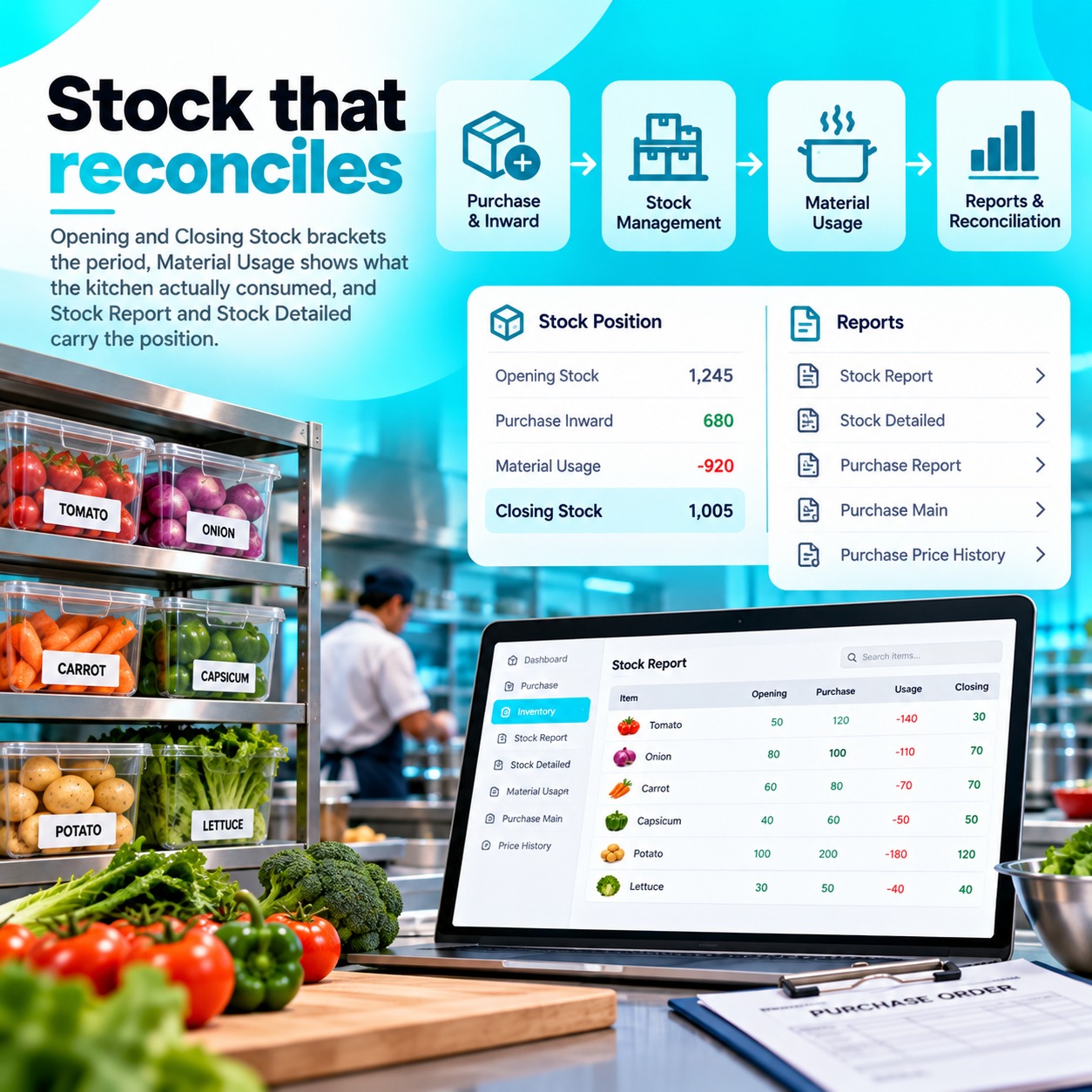
Opening and Closing Stock brackets the period, Material Usage shows what the kitchen actually consumed, and Stock Report and Stock Detailed carry the position. Purchase Report, Purchase Main and Purchase Price History show what you paid and how the rate moved.

Statements, not guesswork
The P&L Report, Trial Balance and Balance Sheet come out of the same system the orders were taken in, with the VAT 201 Report for filing. Salary Export and Tally Export hand the data on where an accountant needs it elsewhere.

Who owes, and who is owed
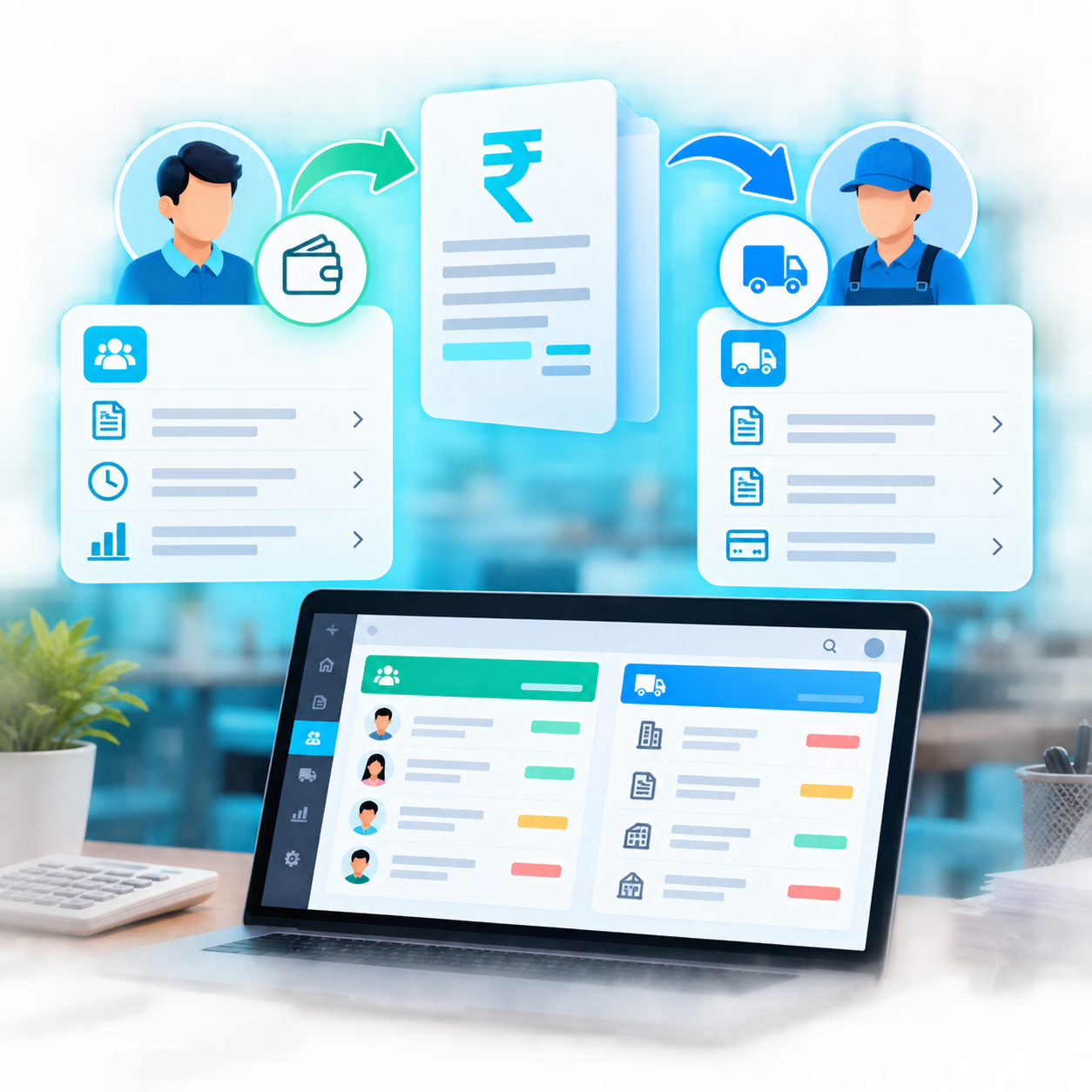
Customer Ledger Statement and Customer Pending Credit show what is still to come in, with Due Collection Report following it up. Supplier Pending Bills, Supplier Ledger Statement and Supplier Payment Report cover the other direction.

Masters, roles and sync
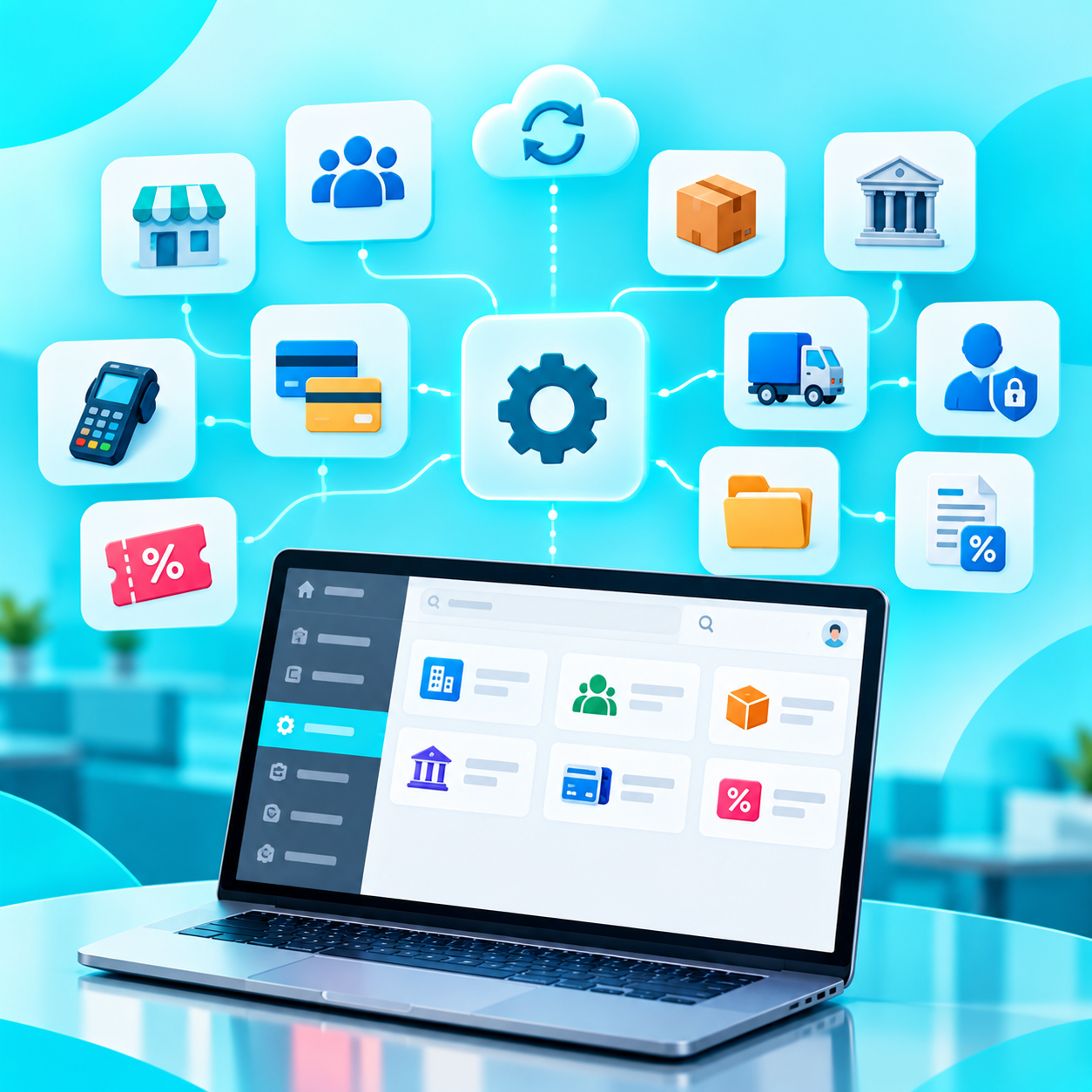
Branches, Customers, UOM, Banks, Swipe Machines, Coupons, Credit Cards, Vehicles and Expense Categories are configured once as masters. Role Access decides what each login opens, Tax and General Settings hold the rules, and Sync Monitor shows where data stands between outlets.
Can one POS handle dine-in, takeaway, delivery and corporate orders?
How long does it take to get started?
What does the software cost?
Haven't you found the answers?
Talk to usAvailable for projects
Want to talk aboutyour project?
Tell us how your restaurant runs today: your floors and tables, how takeaway and delivery orders come in, how the kitchen is supplied and how shifts are closed. We will show you which screens replace which register.