
Transport & Logistics
Truck360:
One System, Every Transport Operation
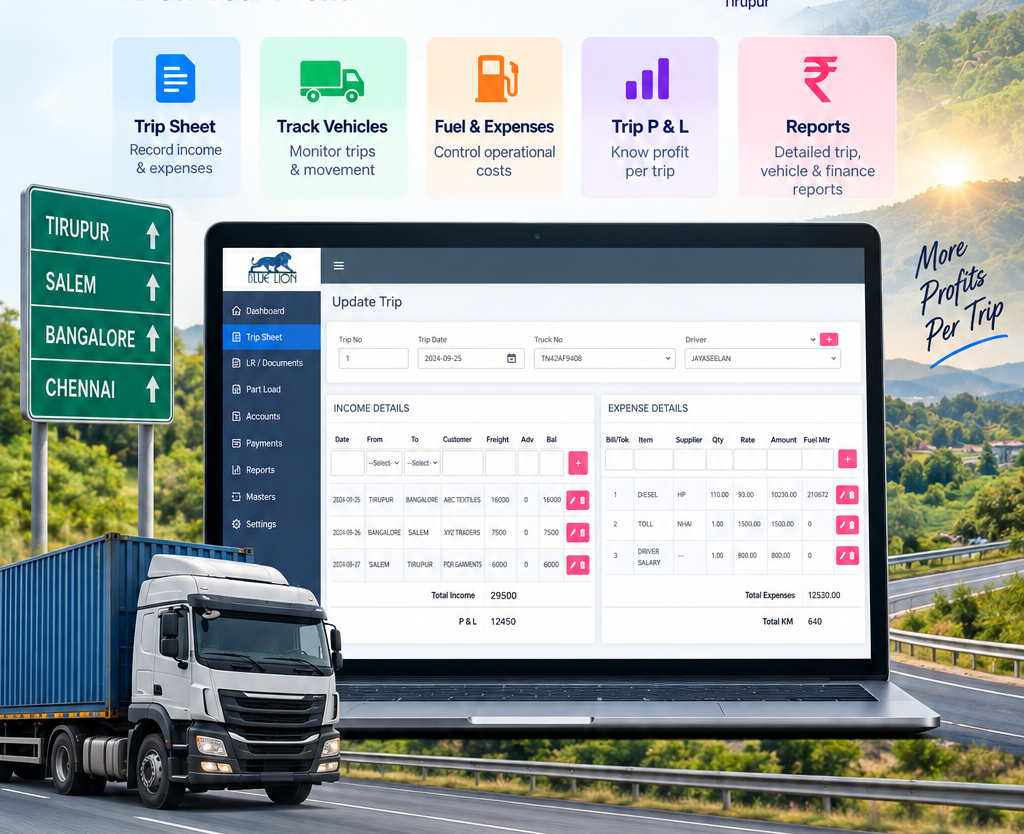
Most transport offices run on a booking register, a separate billing tool, a dispatch chalkboard, a fleet notebook and a Chitta for collections. Truck360 replaces that with eighteen modules on one database, so an LR booked at the counter is already visible to billing, dispatch, trip costing and every report.
Running trucks? → Book a Demo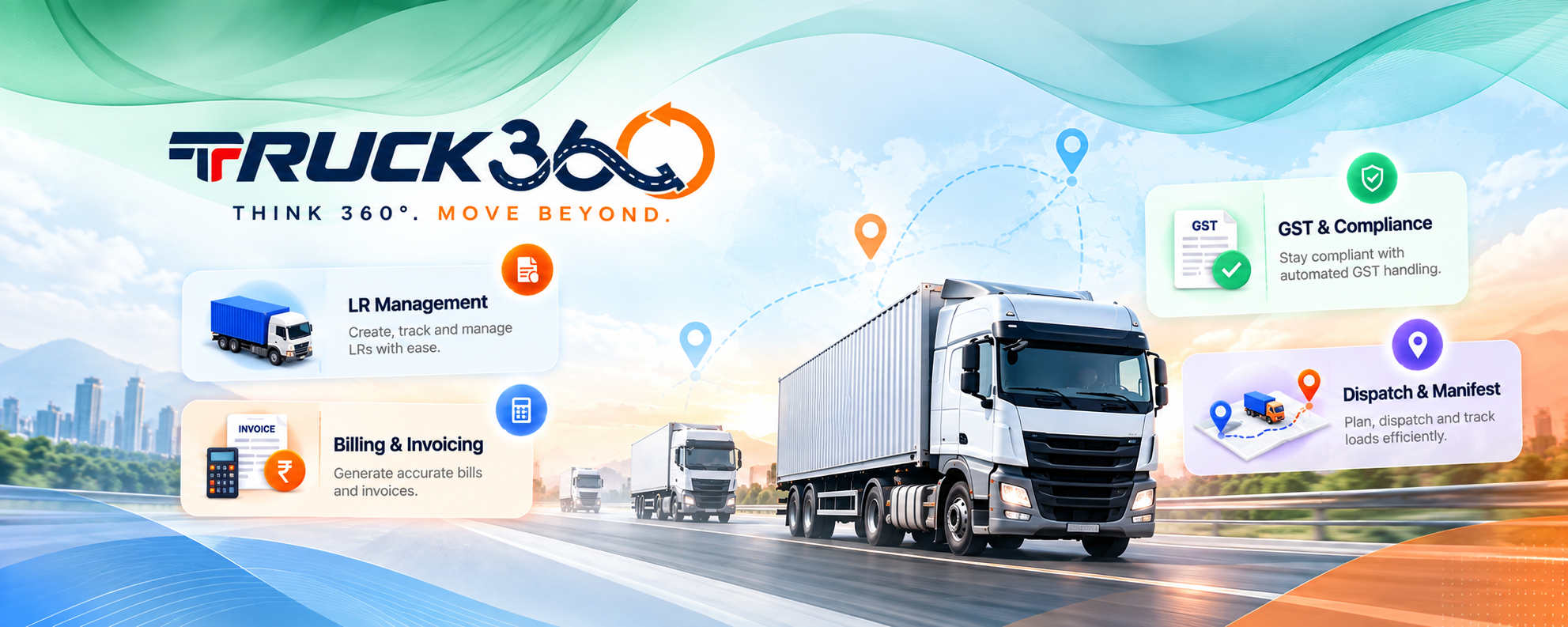
From Booking to Proof of Delivery
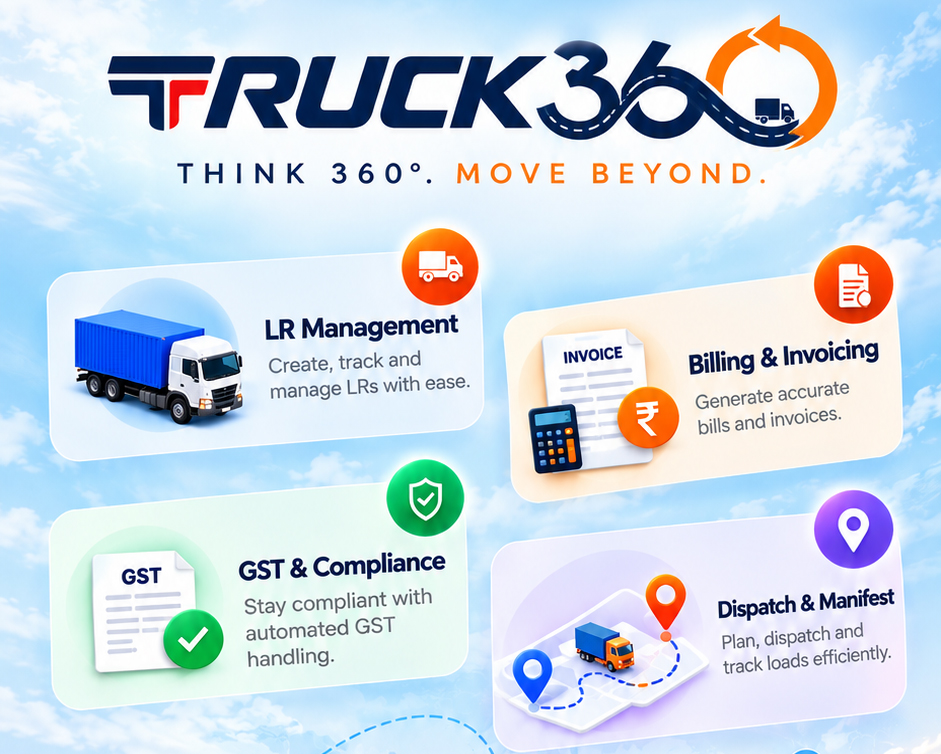
A consignment becomes a Lorry Receipt, an invoice, a dispatch and a delivery. Each step reads the record the previous one created, so nothing is keyed twice and the tax is settled before the invoice is raised.
Book free consultation
LR Management
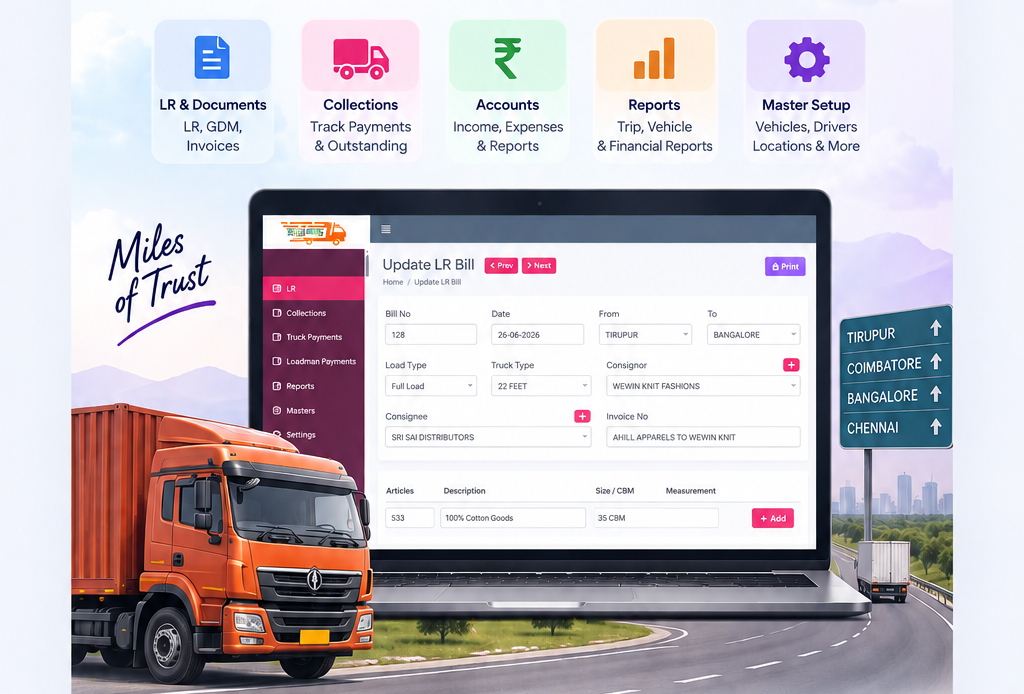
Book, print, edit and cancel Lorry Receipts with consignor, consignee, goods, route, truck and charges captured digitally. Every LR carries a full audit trail and the archive stays searchable by date, party or truck number.

Billing & Invoicing
Raise GST invoices straight from booked LR data, as individual or consolidated freight bills, covering both FTL and Partload. Credit notes handle cancellations, and the invoice register prints or exports to Excel.

GST & Compliance
CGST and SGST for intra-state movement, IGST for inter-state and export, applied by route at the moment of booking rather than at billing time. Date-effective rate switching keeps older documents correct, and GSTR-1 B2B data comes out of normal billing.

Dispatch & Manifest
Batch several LRs into a CON Note Manifest or raise individual GDMs, assign the driver and truck, and attach the E-Way Bill reference. POD status against each LR marks the consignment delivered and clears it from the outstanding view.
18
modules on one database, across operations, fleet, finance, enterprise and administration
47
management reports across every domain, each ready to print or export to Excel
10
built-in user roles, from Super Admin down to Read Only





Available for projects
The parts other systems miss
Not every consignment is a full truckload on a domestic route, and not every transport group is a single company. These six modules cover the work that usually ends up outside the system.
Book consultation
Partload kept separate
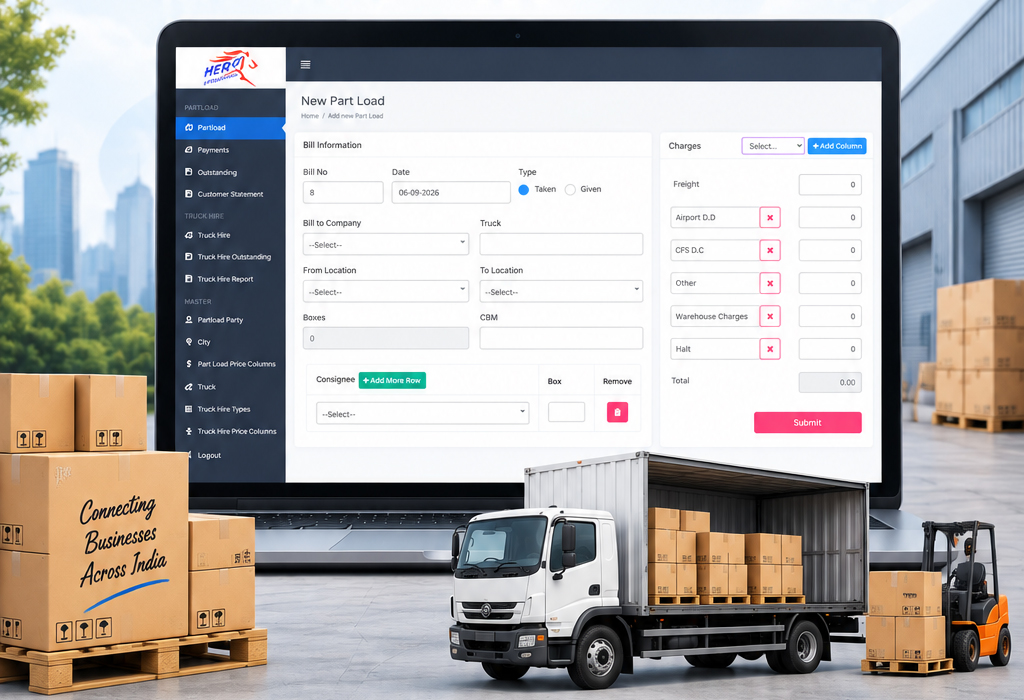
CBM and weight-based LTL billing runs on its own customer master, statements and outstanding, isolated from FTL invoicing. Partload Exchange settles Taken and Given balances between transporters.

Backload booked, not just accepted
Return freight gets a customer master of its own and a full lifecycle: freight, advance, commission and balance, with its own return booking statement and outstanding report.

Export LRs on Air Waybills
Export freight is billed against Air Waybill numbers, with multiple AWB line items on one LR and a duplicate-AWB check at entry. Export LR reporting stays separate from domestic LR reports.

Loadman wages on record
Porter and labour payments are tracked per loadman per booking instead of leaving the office as undocumented cash, with day-rate or flat-rate labour bills and a labour bill report for reconciliation.

Hired trucks accounted apart
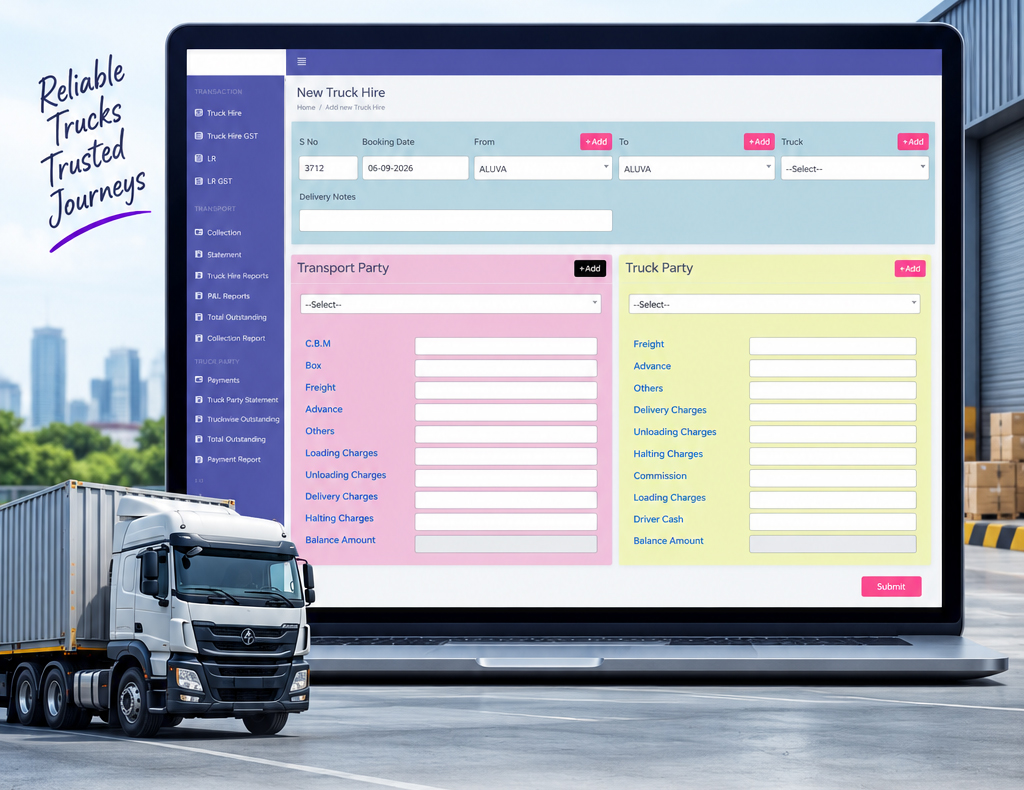
Third-party carriers and hired trucks sit on a transport partner master of their own, away from the customer and truck-owner masters, with supplier payments, subcontractor outstanding and a supplier statement.

Companies, branches and who sees what
Several companies and branches run on one instance, with LRs, invoices, payments and reports scoped to the right entity. Ten built-in roles from Super Admin to Read Only decide what each login can open.
Does Truck360 replace our accounting software?
How long does it take to implement Truck360?
What does Truck360 cost?
Haven't you found the answers?
Talk to usAvailable for projects
Want to talk aboutyour project?
Tell us how your office runs today: how LRs are booked, how invoices and GST are handled, how dispatch is tracked and how you chase outstanding. We will show you which Truck360 modules replace which register.